-
Tech Talk Meetings
- Tech Talk Topics 2/12/25
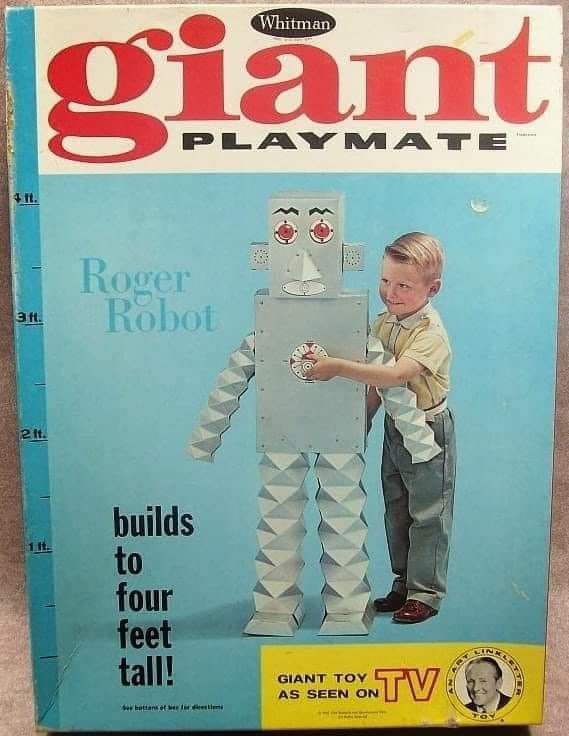 Electricity Solar Wind Nuclear. Decline of NJ Offshore Wind Power and Ivanpah Solar Project. Google Microsoft and Meta push for Nuclear. Roger Robot. End of Kindle Vella. Use of Eventbrite. Meta Layoffs. Amazon shopper tracking.
 - Tech Talk Topics 2/5/25
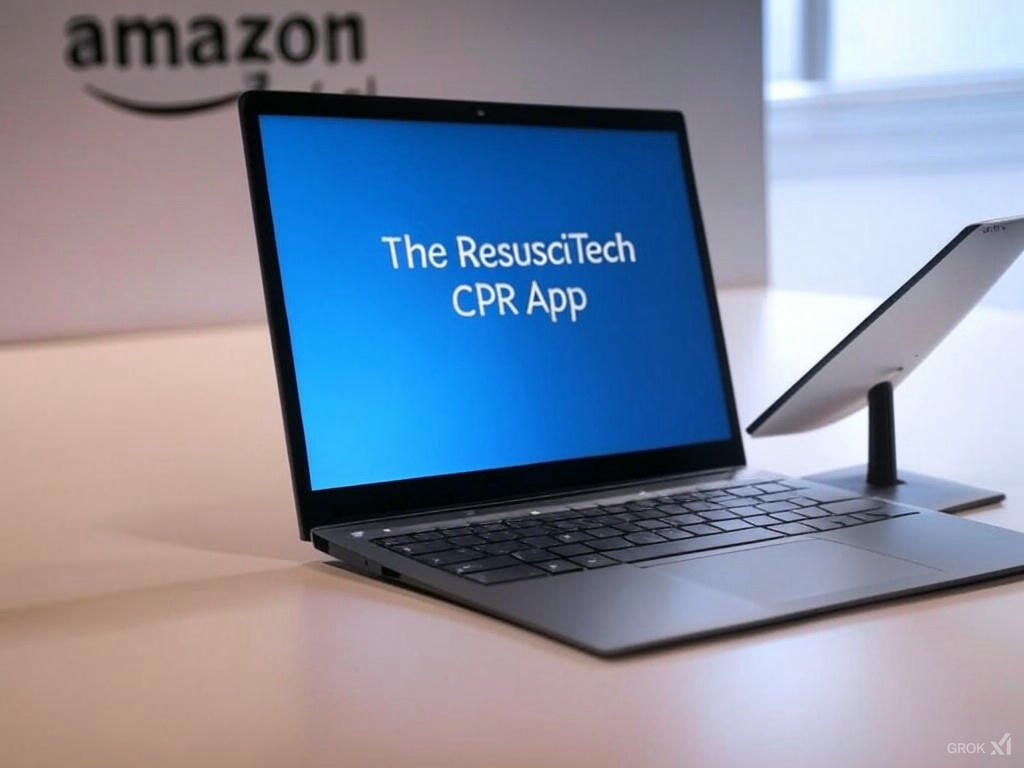 Windows 11 Snapdragon Arm Laptops, Amazon Medical Online, ResuschiTech CPR App, Space X News, Parking Robots, Faulty Electric School Busses, Tighter Curbs Selling NVida to China, Clever ways to Mask License Plates from Toll cameras.
 - Tech Talk Topics 1/29/25
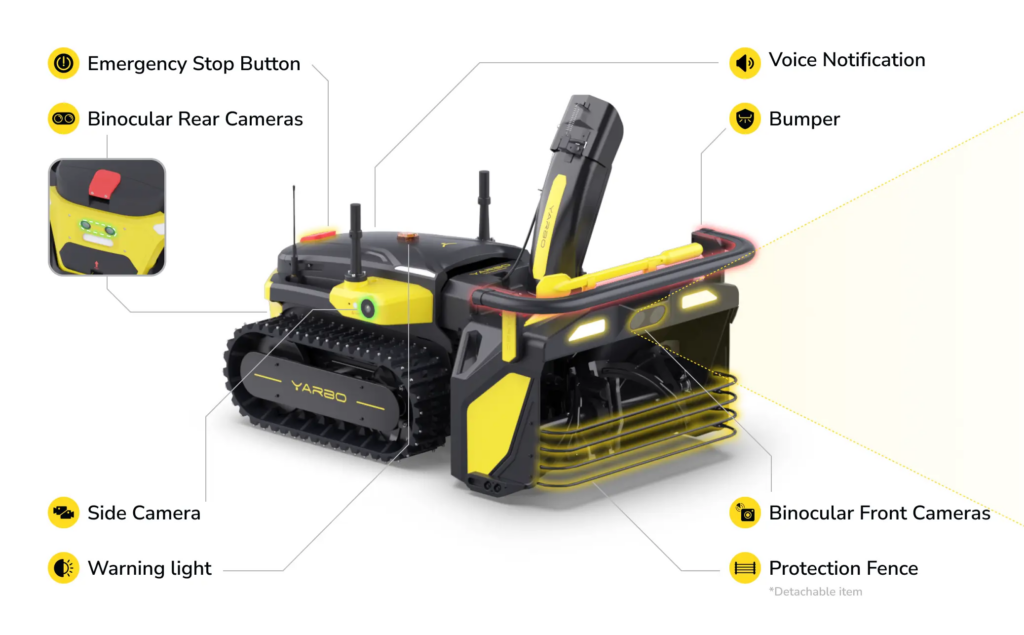 DeepSeek R1, Robot and RC Snow Blowers Plows featuring Yarbo and Spyker Workshop, Utility Action Alliance Flyer, First Energy (JCPL) flyer on Smart Meters.
 - Tech Talk Topics 1/22/25
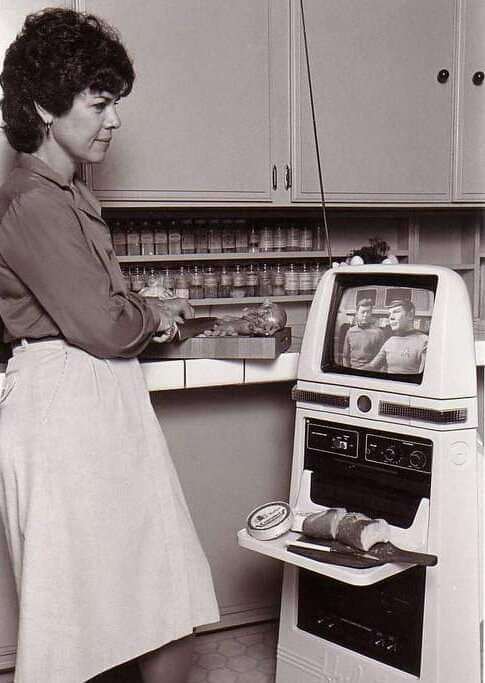 Tech talk topics included AI, EVs, Microsoft Jobs, Shutterstock and Getty merger, The Vegas Loop, Old tech segment, Meta moving Content Mod Team to TX and Zoom Happy Rewards
 - Tech Talk Topics 1/15/25
 Picks from CES 2025: Health and Fitness and Best of CES. SpaceX Falcon 9 Moon Landing Payloads. Ai Replacing Jobs in Wall Street. Pirated Content to Train AI. Volkswagen EV bugs. Amazon Delivery EVs charging in Snow. Windows forced Outlook installs in Feb. Boot Windows 10 into Safe Mode.
 - Tech Talk Topics 12/18/25
 Windows Virus and Malware. Government forcing EV, SCOTUS Accepts CA Tailpipe Case, EV Delivery Trucks vs Winter, GM gives up on Robo Taxis
 - Tech Talk Topics 12/11/25
 NJ Drones in News, Warehouse Robot collapses. ChatGPT lying and deceiving. Bill Gates Tesla stock short position. Microsoft Windows 10 to 11 overcome upgrade incompatibility. Dynamic digital pricing on retail shelves. Regrowing teeth.
Meeting Announcements: To get an advanced invite to meetings you need to be on our mailing list! Register for a specific event on the event page or go to our events webpage.
Q&A Bring your questions to the meeting. Club members love to discuss and answer questions at the Q&A portion of the meeting. Need Help Bring your computer, device, internet problems and questions to our meeting open to the public and we will try to help you. More information
Facility Held Event Zero Footprint Policy
It is absolutely important at all events you clean up after yourself. Return any chairs or tables you moved, turn off overhead projectors, return any AV equipment or wires you used, take back with you any books, manuals, equipment and other relics you brought in the hope someone wanted it. Especially hardware! Locations such as the Hunterdon Medical Center are not dumpsters for electronics. We are their guest.
Get Rid of IT Here
- Best Buy Recycling Items
- Staples Recycling Program
- Hazardous Waste Cleanup Day
- Hunterdon Electronics Collection Day More Information
- Special day for paints, oil, propane tanks
Newsletter Digitizing Project
The past paper newsletters for the club are being digitized and added to the website. Current status.